
Beschreibung
Papierwischer-Set 5 Teilig - Papierwischer
Der Papierwischer eignet sich hervorragend zum Verwischen von Kreide- oder Kohlestrichen und zum Anlegen kleiner Farbflächen. Erhältlich in drei Durchmessern sowie im Set mit 5 Stück.

Qualität aus
Österreich

GRATIS Versand
ab € 49,00 Bestellwert

Versand und Zustellung mit GLS-Paketdienst


€2,99
Das Papierwischer Set (Artikelnummer 430 33) beinhaltet 5 Papierwischer mit verschiedenen Durchmessern:
Papierwischer-Set 5 Teilig - Papierwischer
Der Papierwischer eignet sich hervorragend zum Verwischen von Kreide- oder Kohlestrichen und zum Anlegen kleiner Farbflächen. Erhältlich in drei Durchmessern sowie im Set mit 5 Stück.
Qualität aus
Österreich
GRATIS Versand
ab € 49,00 Bestellwert
Versand und Zustellung mit GLS-Paketdienst
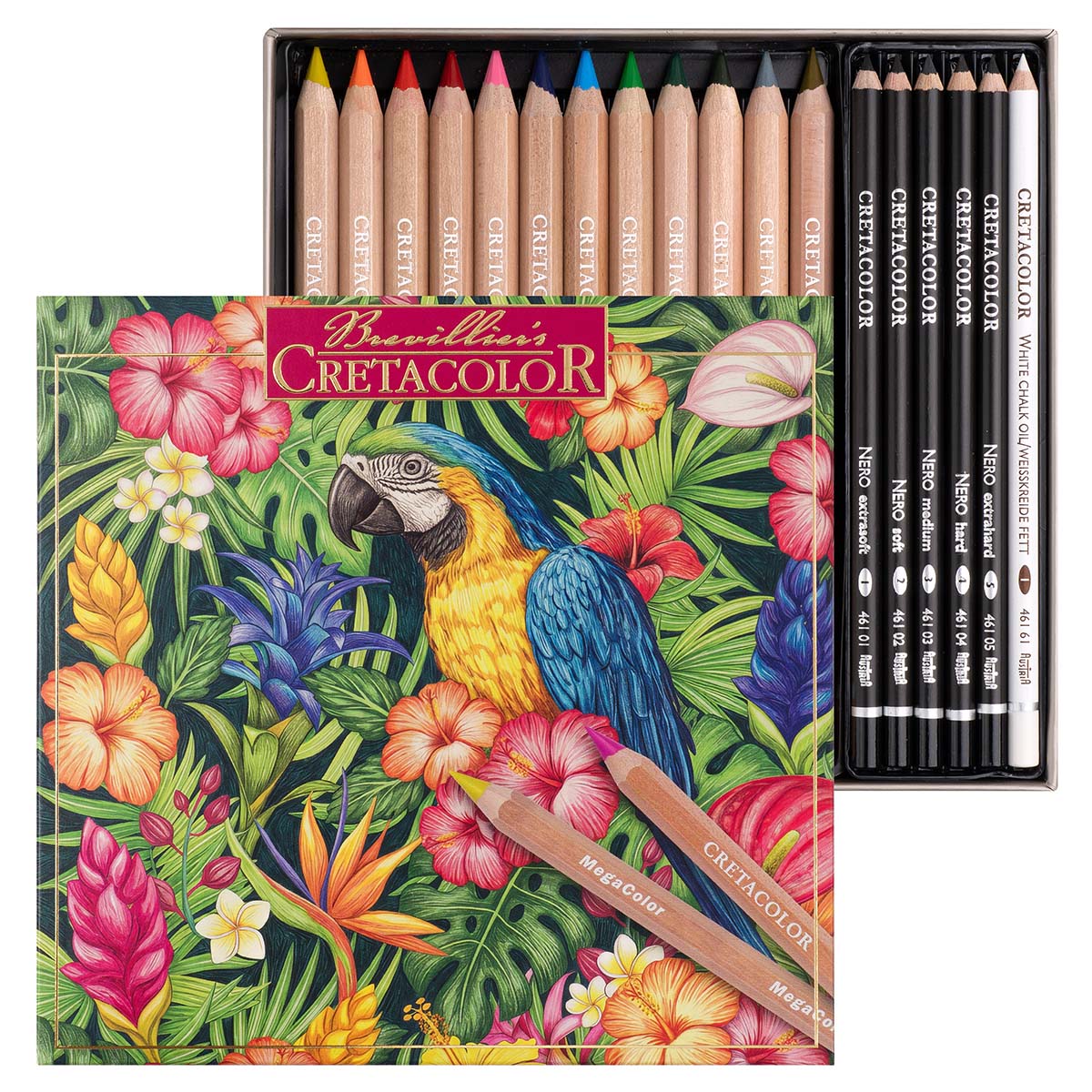 Angebot!
Ursprünglicher Preis war: €39,99€29,99Aktueller Preis ist: €29,99.
In den Warenkorb
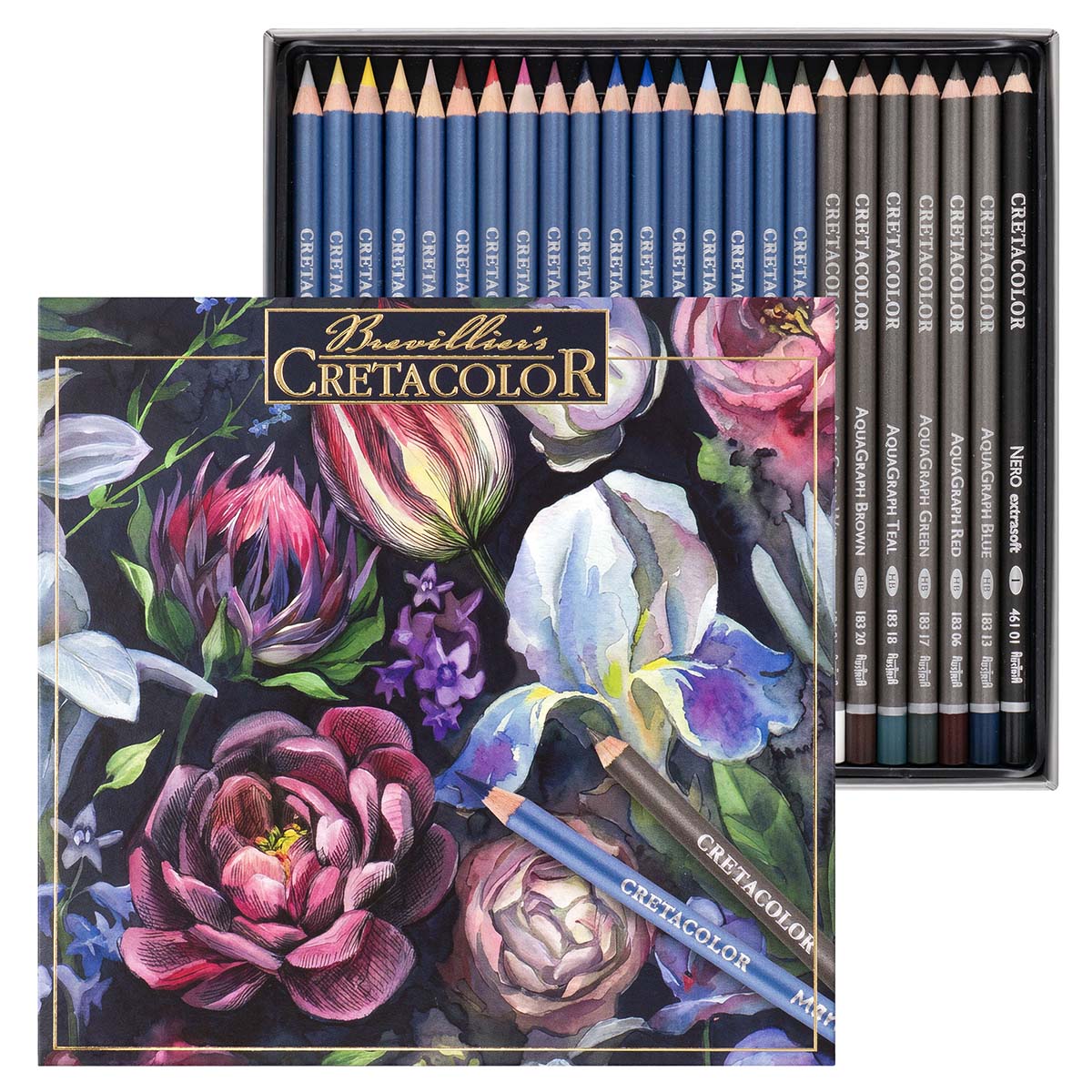 Angebot!
Ursprünglicher Preis war: €39,99€29,99Aktueller Preis ist: €29,99.
In den Warenkorb
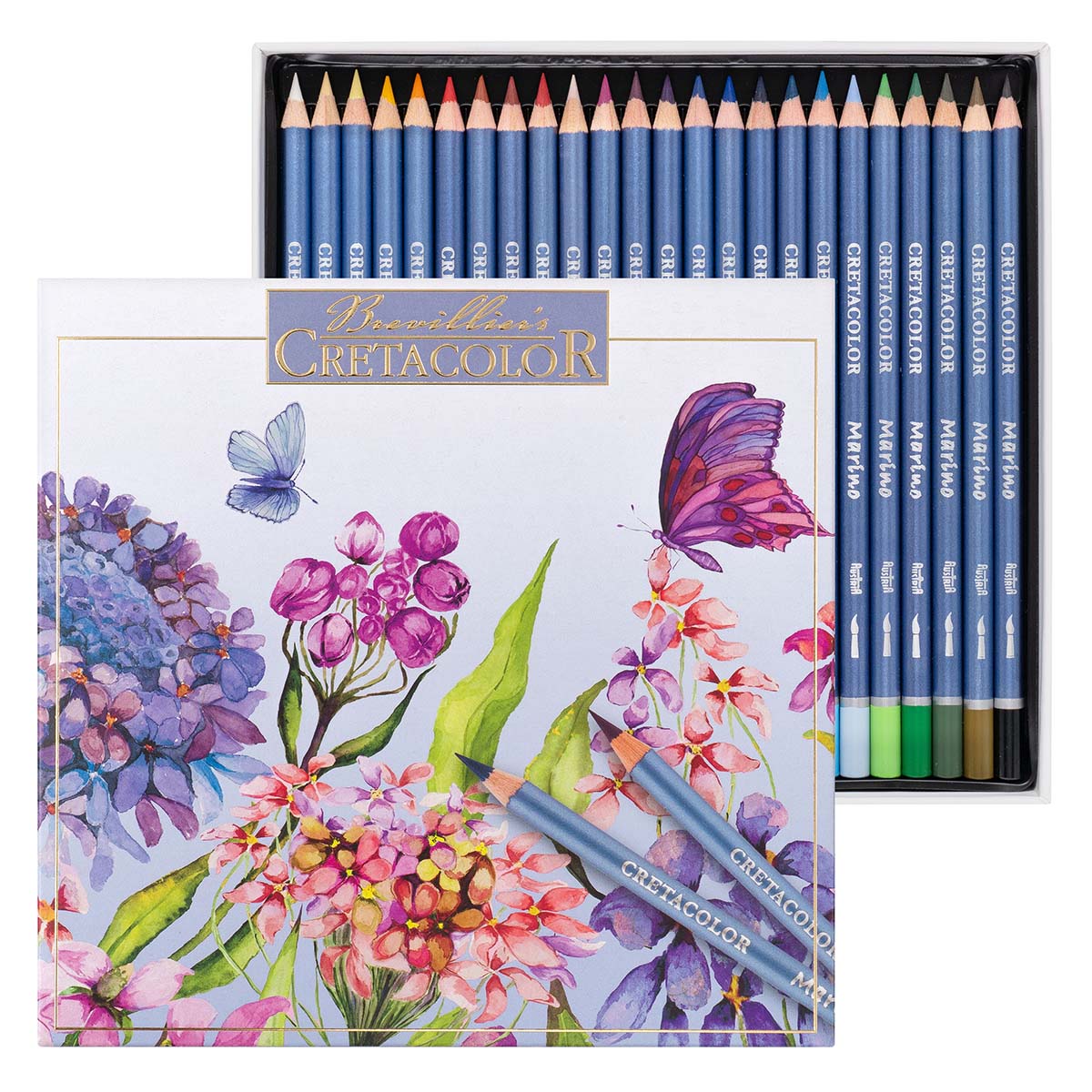 Angebot!
Ursprünglicher Preis war: €39,99€29,99Aktueller Preis ist: €29,99.
In den Warenkorb
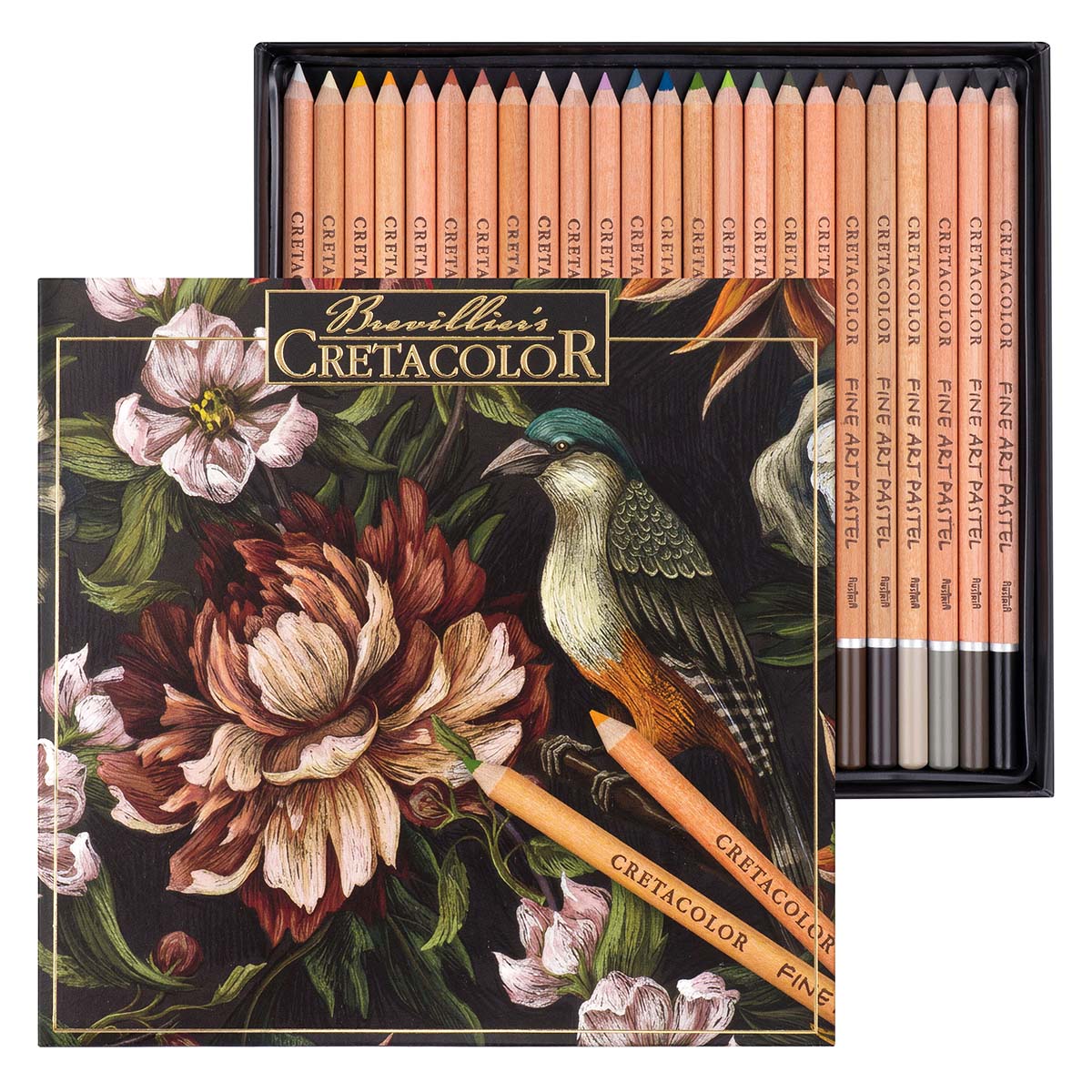 Angebot!
Ursprünglicher Preis war: €39,99€29,99Aktueller Preis ist: €29,99.
In den Warenkorb

To change the background click on the label bar and in the layer window select the style tab.
Choose a source from the background top tab then upload an image or pick a background color.

To change the background click on the label bar and in the layer window select the style tab.
Choose a source from the background top tab then upload an image or pick a background color.
Qualität aus
Österreich
GRATIS Versand
ab € 49,00 Bestellwert
Versand und Zustellung mit GLS-Paketdienst
Angebot!
Ursprünglicher Preis war: €39,99€29,99Aktueller Preis ist: €29,99.
In den Warenkorb
Angebot!
Ursprünglicher Preis war: €39,99€29,99Aktueller Preis ist: €29,99.
In den Warenkorb
Angebot!
Ursprünglicher Preis war: €39,99€29,99Aktueller Preis ist: €29,99.
In den Warenkorb
Angebot!
Ursprünglicher Preis war: €39,99€29,99Aktueller Preis ist: €29,99.
In den Warenkorb
To change the background click on the label bar and in the layer window select the style tab.
Choose a source from the background top tab then upload an image or pick a background color.
To change the background click on the label bar and in the layer window select the style tab.
Choose a source from the background top tab then upload an image or pick a background color.
Qualität aus
Österreich
GRATIS Versand
ab € 49,00 Bestellwert
Versand und Zustellung mit GLS-Paketdienst
Angebot!
Ursprünglicher Preis war: €39,99€29,99Aktueller Preis ist: €29,99.
In den Warenkorb
Angebot!
Ursprünglicher Preis war: €39,99€29,99Aktueller Preis ist: €29,99.
In den Warenkorb
Angebot!
Ursprünglicher Preis war: €39,99€29,99Aktueller Preis ist: €29,99.
In den Warenkorb
Angebot!
Ursprünglicher Preis war: €39,99€29,99Aktueller Preis ist: €29,99.
In den Warenkorb