
Beschreibung

Qualität aus
Österreich

GRATIS Versand
ab € 49,00 Bestellwert

Versand und Zustellung mit GLS-Paketdienst

€2,49
Dieser Künstlerradiergummi eignet sich durch seine hohe Aufnahmefähigkeit hervorragend zum Entfernen und Verwischen auf Kohlezeichnungen, Graphit und trockenem Künstlermaterial. Radieren ohne Druck auf die Oberfläche des Papiers ist damit einfach möglich.
Qualität aus
Österreich
GRATIS Versand
ab € 49,00 Bestellwert
Versand und Zustellung mit GLS-Paketdienst
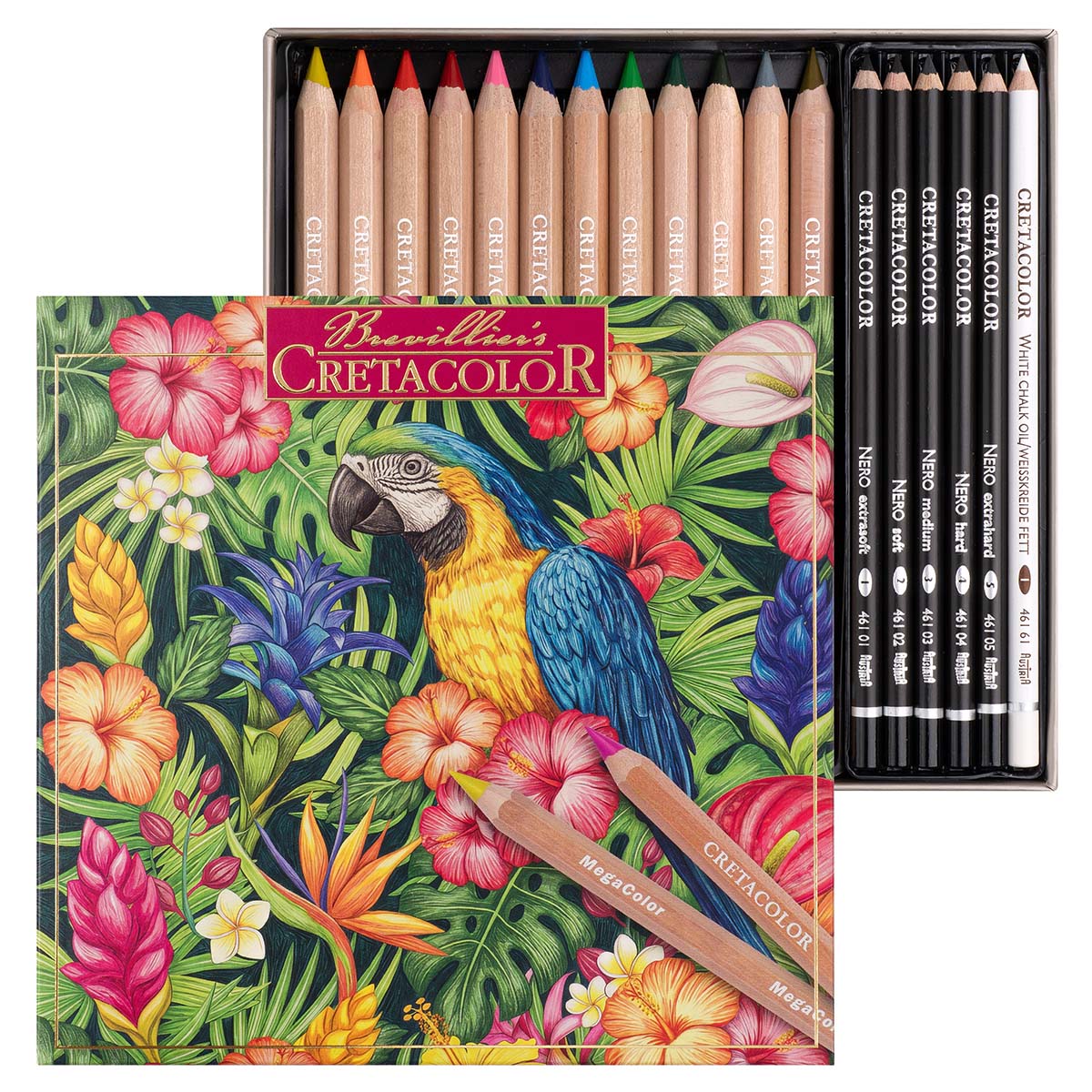 Angebot!
Ursprünglicher Preis war: €39,99€29,99Aktueller Preis ist: €29,99.
In den Warenkorb
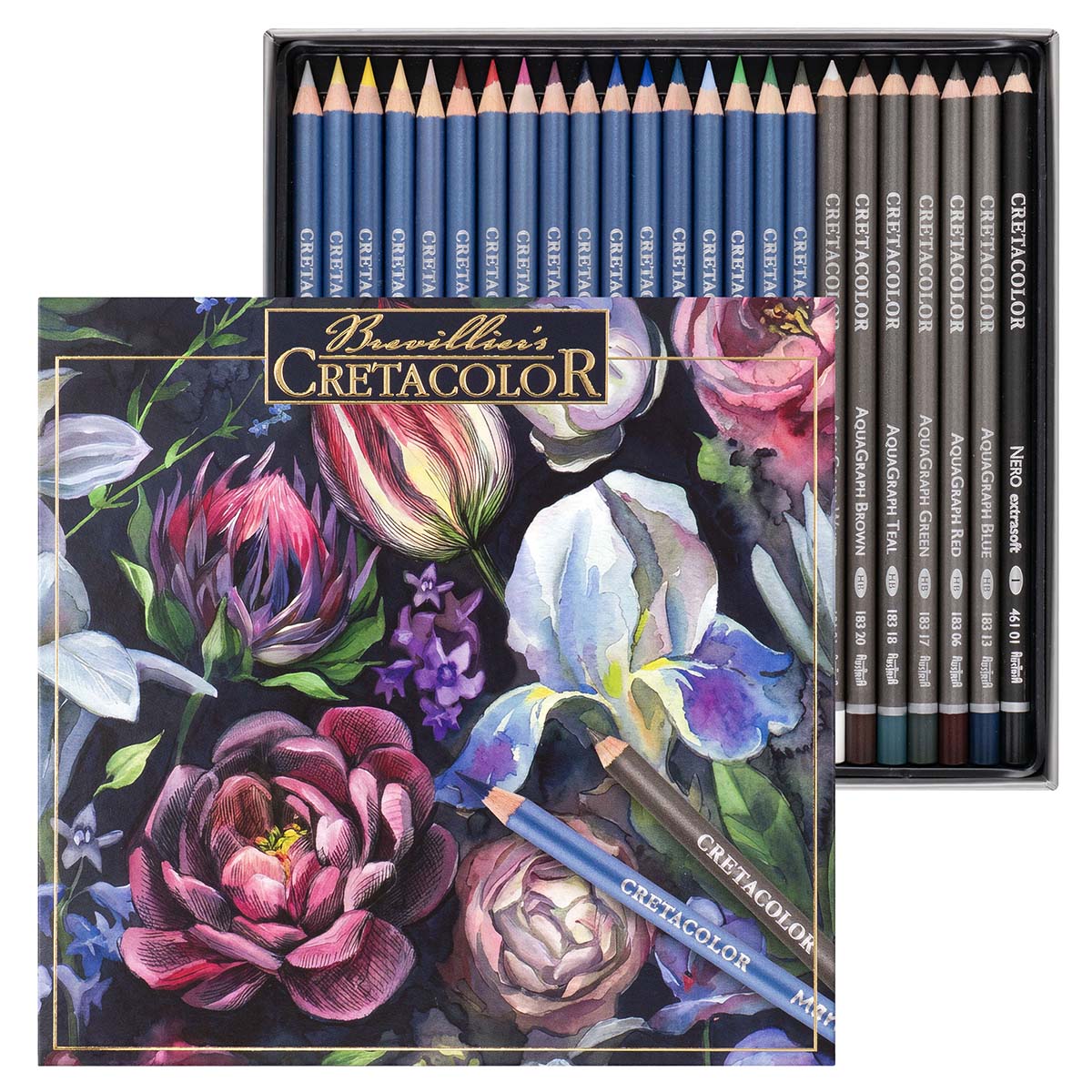 Angebot!
Ursprünglicher Preis war: €39,99€29,99Aktueller Preis ist: €29,99.
In den Warenkorb
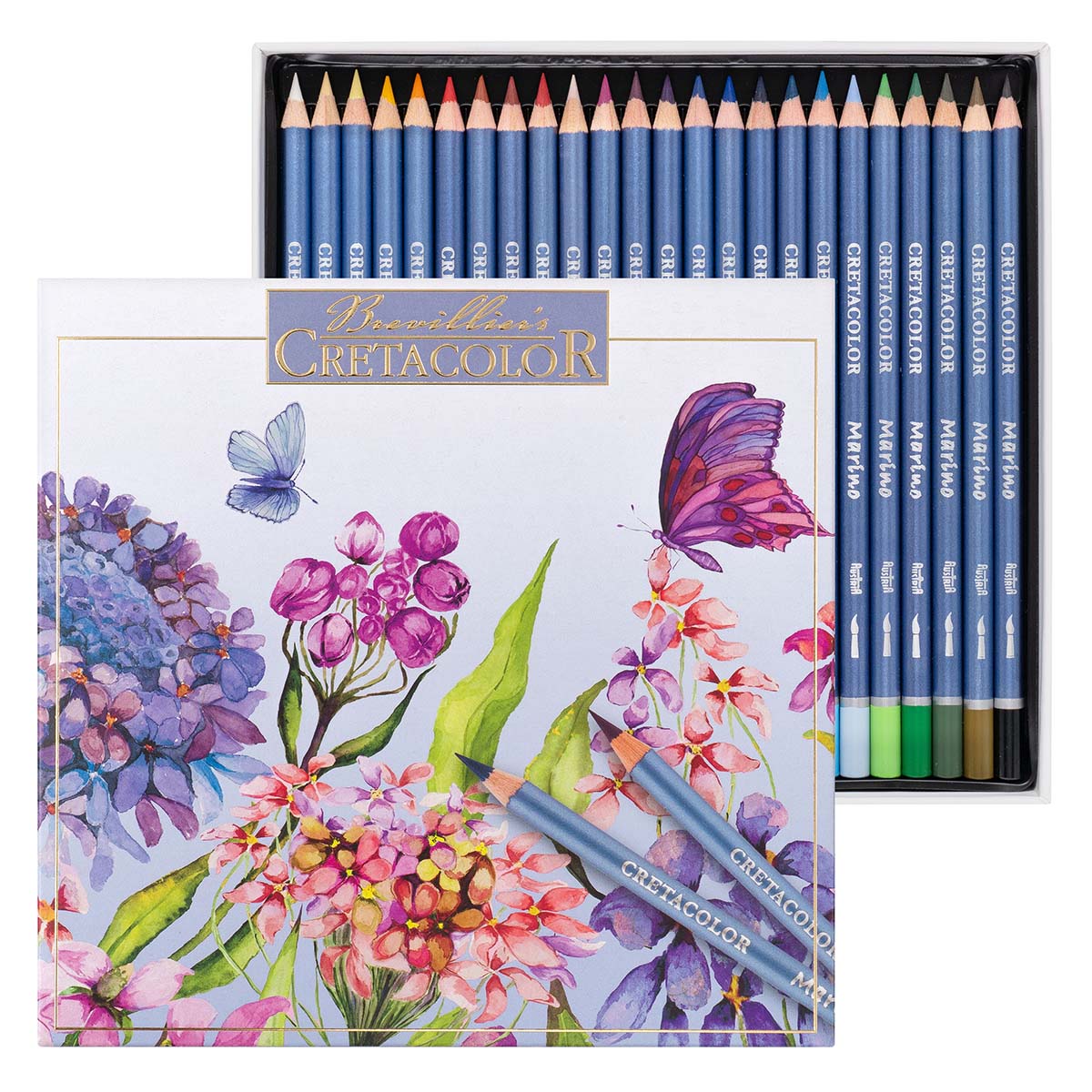 Angebot!
Ursprünglicher Preis war: €39,99€29,99Aktueller Preis ist: €29,99.
In den Warenkorb
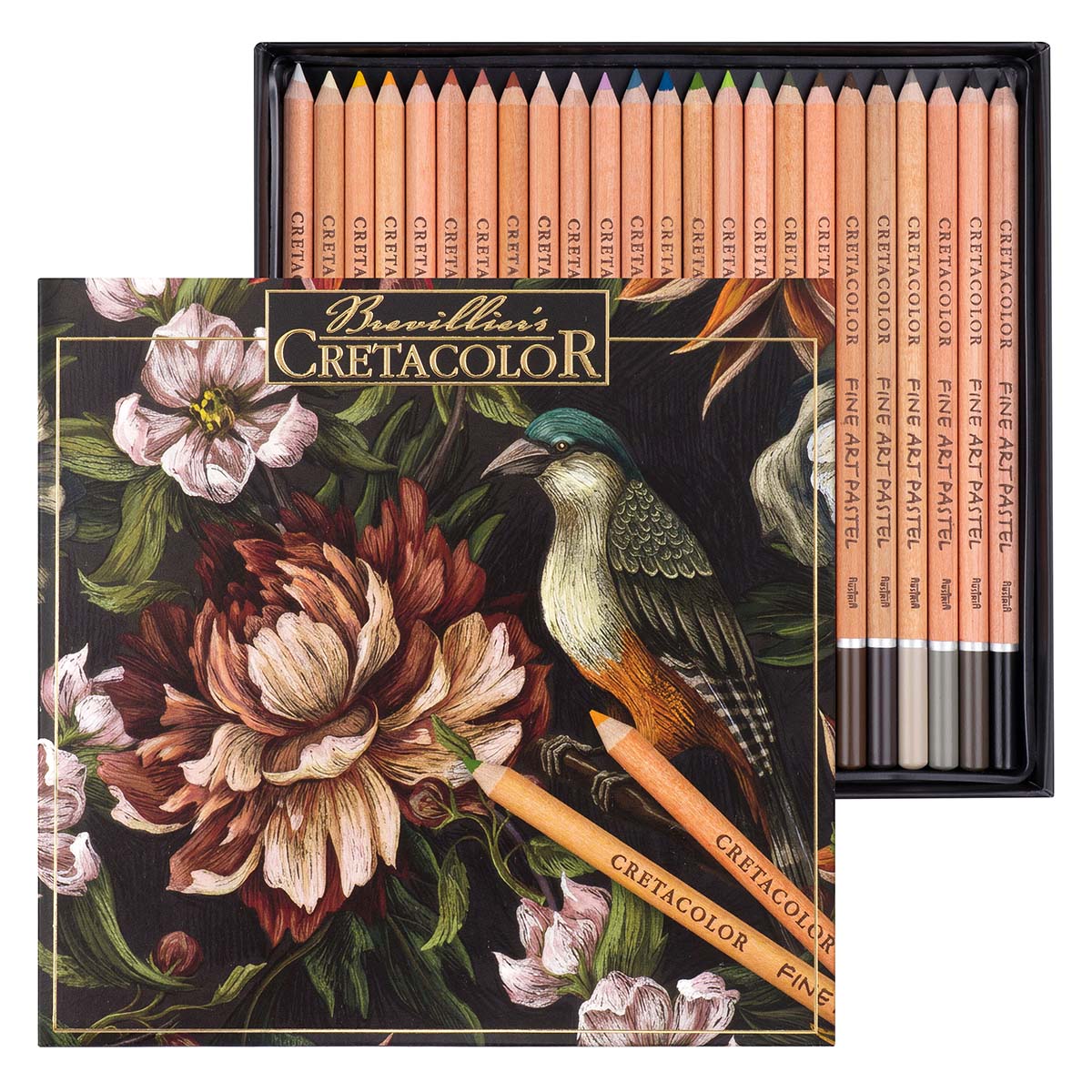 Angebot!
Ursprünglicher Preis war: €39,99€29,99Aktueller Preis ist: €29,99.
In den Warenkorb

To change the background click on the label bar and in the layer window select the style tab.
Choose a source from the background top tab then upload an image or pick a background color.

To change the background click on the label bar and in the layer window select the style tab.
Choose a source from the background top tab then upload an image or pick a background color.
Qualität aus
Österreich
GRATIS Versand
ab € 49,00 Bestellwert
Versand und Zustellung mit GLS-Paketdienst
Angebot!
Ursprünglicher Preis war: €39,99€29,99Aktueller Preis ist: €29,99.
In den Warenkorb
Angebot!
Ursprünglicher Preis war: €39,99€29,99Aktueller Preis ist: €29,99.
In den Warenkorb
Angebot!
Ursprünglicher Preis war: €39,99€29,99Aktueller Preis ist: €29,99.
In den Warenkorb
Angebot!
Ursprünglicher Preis war: €39,99€29,99Aktueller Preis ist: €29,99.
In den Warenkorb
To change the background click on the label bar and in the layer window select the style tab.
Choose a source from the background top tab then upload an image or pick a background color.
To change the background click on the label bar and in the layer window select the style tab.
Choose a source from the background top tab then upload an image or pick a background color.
Qualität aus
Österreich
GRATIS Versand
ab € 49,00 Bestellwert
Versand und Zustellung mit GLS-Paketdienst
Angebot!
Ursprünglicher Preis war: €39,99€29,99Aktueller Preis ist: €29,99.
In den Warenkorb
Angebot!
Ursprünglicher Preis war: €39,99€29,99Aktueller Preis ist: €29,99.
In den Warenkorb
Angebot!
Ursprünglicher Preis war: €39,99€29,99Aktueller Preis ist: €29,99.
In den Warenkorb
Angebot!
Ursprünglicher Preis war: €39,99€29,99Aktueller Preis ist: €29,99.
In den Warenkorb